
A day ago I wrote about the new platform defines that helps you implement platform specific code in the same unit. On second thought we have instead decided to just add these values to each unit when we process them. This way the values are always known to the compiler.
This has the benefit of being faster than resolving the includefile symbol. On modern computers you don’t really notice any difference, but if we can shave a few clock cycles off something and it doesn’t cause any issues – we will do that (looking at you Raspberry Pi!)
Testing Quartex on ARM
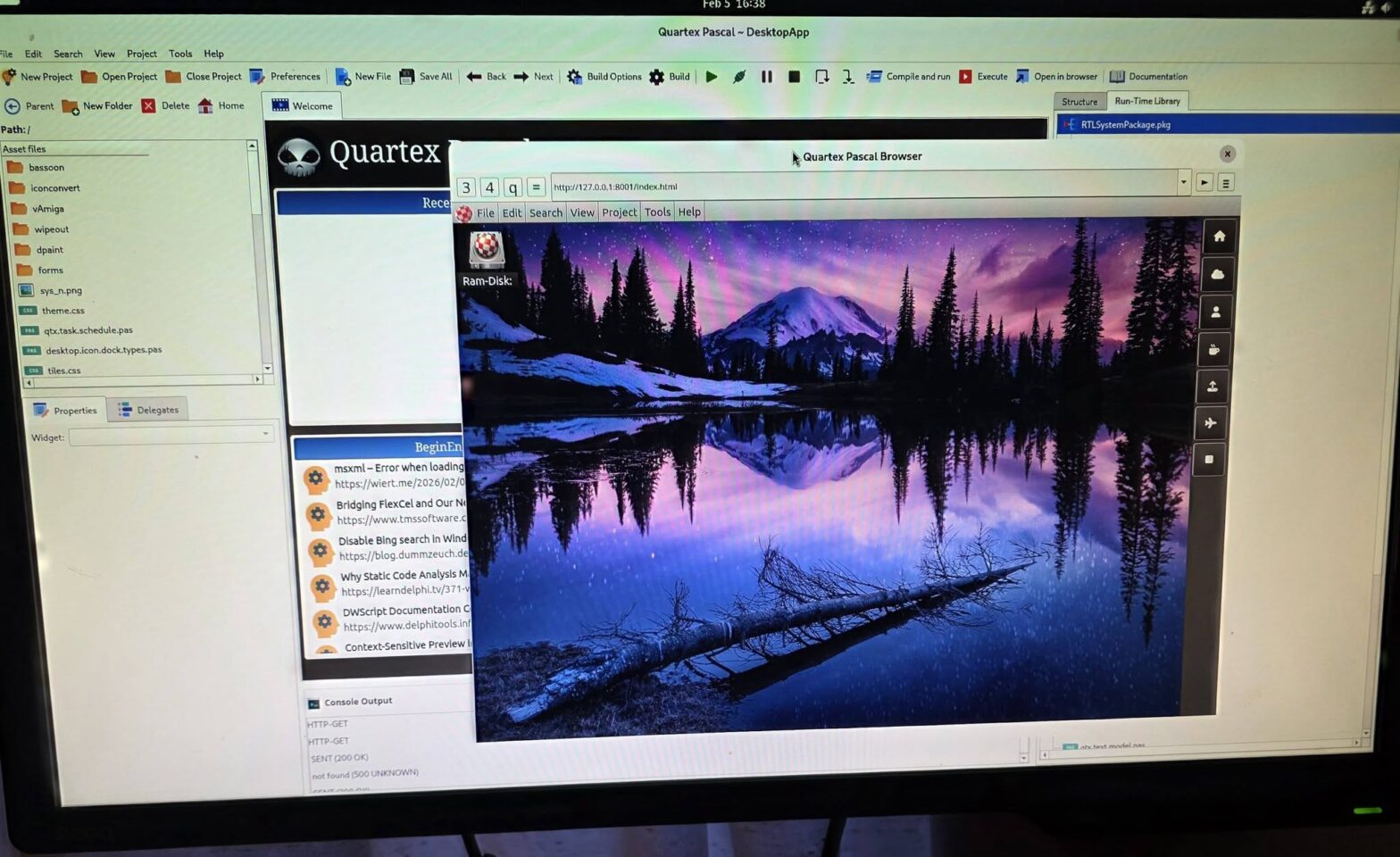
Yes you read that right! Behind the scenes we have been very busy adapting our entire codebase so it compiles with both Delphi and Lazarus, with the aim of delivering a fully native IDE for MacOS, Windows and Linux – under both x64 and ARM chipsets.
Needless to say this is going to take some work. While Lazarus is a wonderful system with some amazing components and features, the LCL has a few quirks that needs to dealt with. There are also quite a few components that simply do not exist under Lazarus that we have to implement from scratch – or find a suitable replacement for.
We have decided to go with the TrollTech QT bindings, and Kjell has built everything from scratch from the C/C++ code so we could get the webview working too. This is not supported by default in the Lazarus bindings.
The reason I mentioned clock-cycles and speed earlier taps into ARM support. Namely that ARM single board computers are nowhere near as powerful as x64. Granted, the Raspberry PI 5b performs exceptionally well, as does more expensive boards like the Radxa Rock Pi 5b and Orange PI 5 or 6. But those kinds of boards are not cheap. A Radxa Rock Pi 5b with 32 gigabytes of ram will set you back around $400-450 with shipping and taxes (depends where you live, Norway is tax hell).
Finding the lowest spec’s to support
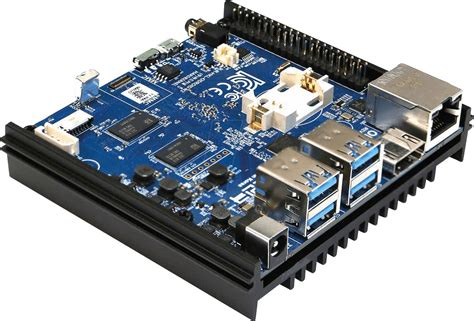
One of my all time favorite SBC’s (single board computer) is the ODroid N2. It is a spectacular piece of equipment that is a incredibly reliable and powerful. But the N2 is close to two generation behind us, and while it’s a perfect board for a number of scenarios – it’s not suited to host a full development studio like QTX.
The N2 was released back when the Raspberry PI 4b was king of the hill. It’s roughly 20% faster for single-core tasks and 50% faster for multi-core tasks (just ballpark numbers, don’t quote me on this). Compared to the current Raspberry PI 5b (which is what most people buy) it’s not even a contender. The PI 5b is around 3 times faster. And the Rock Pi 5b is around 5 times faster.
My point here is that once you start running your code on these types of devices – you quickly notice bottlenecks and speed penalties that you never even knew was there. You are not going to notice much difference on a Rock PI 5b because that is closer to a Intel i5 mobile SoC in performance. But the moment you start targeting Raspberry PI 4b, ODroid N2 and that generation of devices – you feel every hit and speed bump.
But the good news is: we were expecting this.
We have avoided multi-threading in the IDE on purpose, because we have been able to cover all our needs on a single core. The IDE, the compiler, parsers, code generation — all of it runs in the main application thread.
At the same time we have made sure to add thread safe mechanisms in most places where we need them. Obviously we need to add a bit more here and there, but the broad strokes already exist. In short: the infrastructure for threading the compiler and code generation is partly in place by default.
Performance affinity
Linux operates with affinity rather than concrete thread priority (well, both actually). Affinity is closer to preference in this case, where whatever affinity you assign to a process or thread – informs the task scheduler which core to use when running your code.
This is very important because ARM SBC’s typically use something called ‘little-big architecture’. Meaning that a board will have some performance cores that run at higher clock-speeds, and X number of service cores that are weaker, often A55 or A57 (as opposed to A75). So you can have two performance cores for example, and 4 service cores. As the name implies you want to run as much of the OS services on those weaker cores, while reserving the performance cores for important stuff.
The tests we have done so far is without any particular affinity, meaning that the we didn’t specify any particular preference. As a result the kernel put the IDE under a service-core every single time.
So the agenda for ARM development going forward is to put the compiler, codegen and parser (we have several parsers) into their own threads – and ensure that it’s affinity is set to performance cores. The IDE in general might get by running on a vanilla service-core, I will have to test this more in depth.
For now, the lowest spec is a Raspberry PI 5b, but we do hope to optimize and make Raspberry PI 4b and ODroid N2 (and similar) a good experience too.