
When creating websites or mobile applications there is always the issue of glyphs and button graphics. In the past couple of decades or so both Android and iOS have introduced standardized glyphs for buttons, lists and toolbars that are intuitive to understand and which has become somewhat universal. The same can be said for websites.
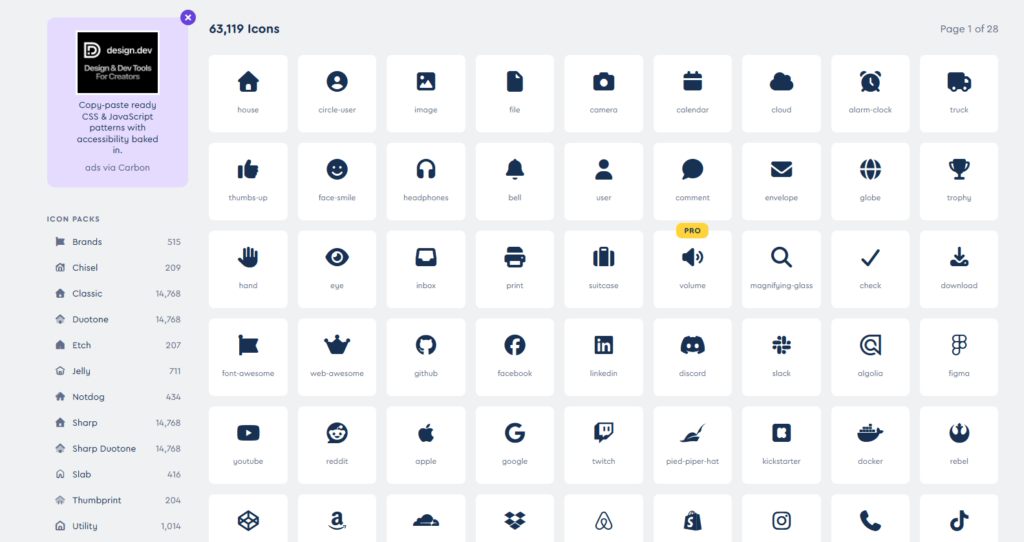
By using the same or similar glyphs in your applications you make it easier for users to navigate. It is here that we encounter Font-Awesome, which is actually nothing but a extremely well crafted CSS stylesheet. A stylesheet where all the glyphs you can possibly need are defined as SVG vector shapes (read: no pixel data involved).
Understanding Font-Awesome
In HTML you can assign just about anything as the background for an element. You can use a picture (like a jpg, png or gif), a slice of a picture, a single color, a gradient – or in the case of Font-Awesome: an SVG image which is based solely on vectors. This is the “awesome” part, namely that you have all the benefits of a scalable vector graphics, combined with the power of HTML. That is a knockout solution that really takes the grunt out of making user friendly and intuitive user interfaces.
It’s already a part of QTX
There is nothing elaborate you have to do in order to use Font-Awesome in Quartex Pascal. In fact, Font-Awesome is already referenced in the theme.css file of your project! So the browser loads it automatically whenever you start your application!
If you open up the theme.css file of your QTX application you will find the following two lines at the very top:

The default theme in QTX is based on the Ubuntu look and feel, hence the stylesheet instructs the browser to download the Ubuntu font (unless you have already installed it locally). So the first line instructs the browser to download the font file.
The second line instructs the browser to download the Font-Awesome library (version 6.4.2 in this case) and make all the amazing glyphs usable from your web application. In this case we are using the Cloudflare hosted version which loads in less than a second pretty much anywhere in the world (this is maintained by Font-Awesome, not us). You can download Font-Awesome locally if you like, but the distribution is quite large. And there really is no need for it, the browser will store it in the cache.
How to use it
Like mentioned above, the Font-Awesome glyphs are basically vector backgrounds that can be applied to anything. But the standard syntax for a glyph is through the <i> tag (which is a text formatting tag for turning a piece of text italic). This is a little trick they use to get the glyph in there through ordinary CSS rules. However, the <i> tag is immediately closed with </i>, which means it doesnt actually cause any formatting changes to your text. Here is a typical example:

When rendered it looks like this:

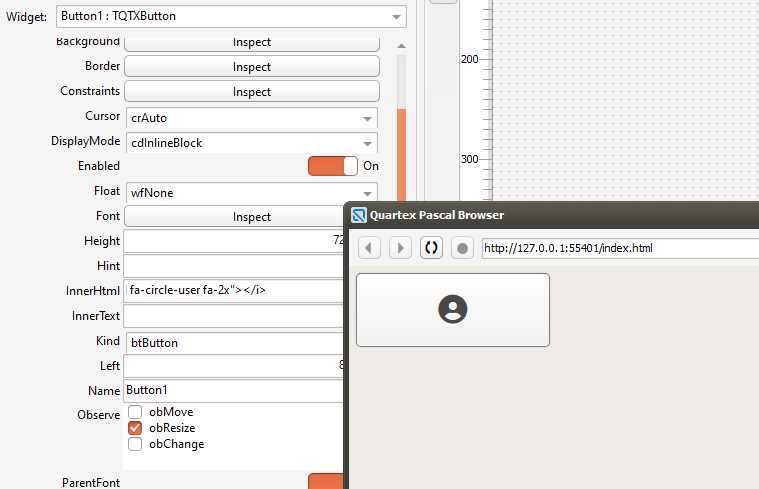
In Quartex Pascal you can use this anywhere you like, such as the innerHTML property of a button. Drop a button on a form, set the background and border style to button, then insert the following text into the InnerHTML type:
<i class="fa-solid fa-circle-user fa-2x"></i>
Different sizes
You probably noticed that the <i> tag I used here contained the strange text “fa-2x” at the end? Well, that tells Font-Awesome that you want to use the larger size glyphs. By default the glyph size is quite small (good for list items and such).
There are a number of sizes you can choose from:
- fa-xs — extra small
- fa-sm — small
- fa-lg — ~33% larger
- fa-xl — extra large
- fa-2xl — 2x larger
- fa-2x up to fa-10x — even bigger (literal multipliers, great for standalone large icons)
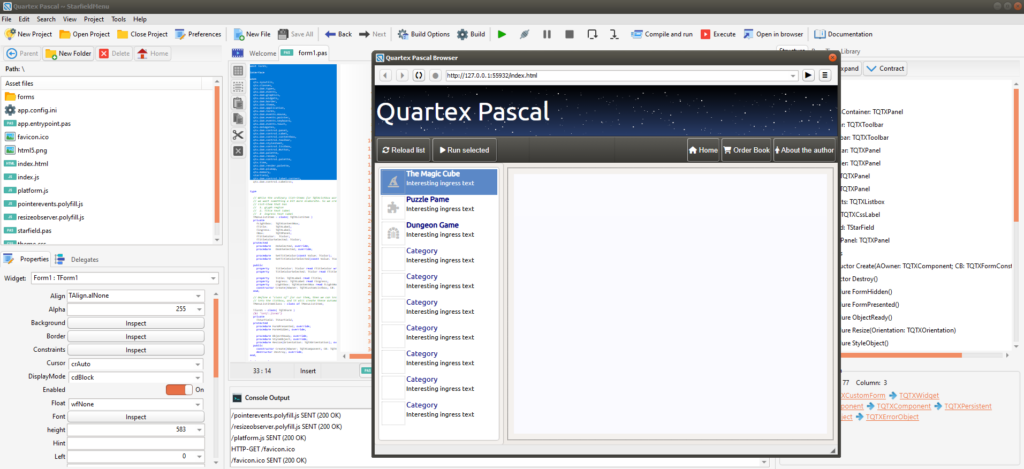
If you open up the StarMenu example you can see how I have used them to make a toolbar look more natural. I have also used them as glyphs for list items. Details like this matter when writing web applications – and they matter even more if you create mobile apps!
Well, go visit the website and use the glyph picker to get the icon HTML, you can paste this directly into your QTX element’s innerHTML property!